All themes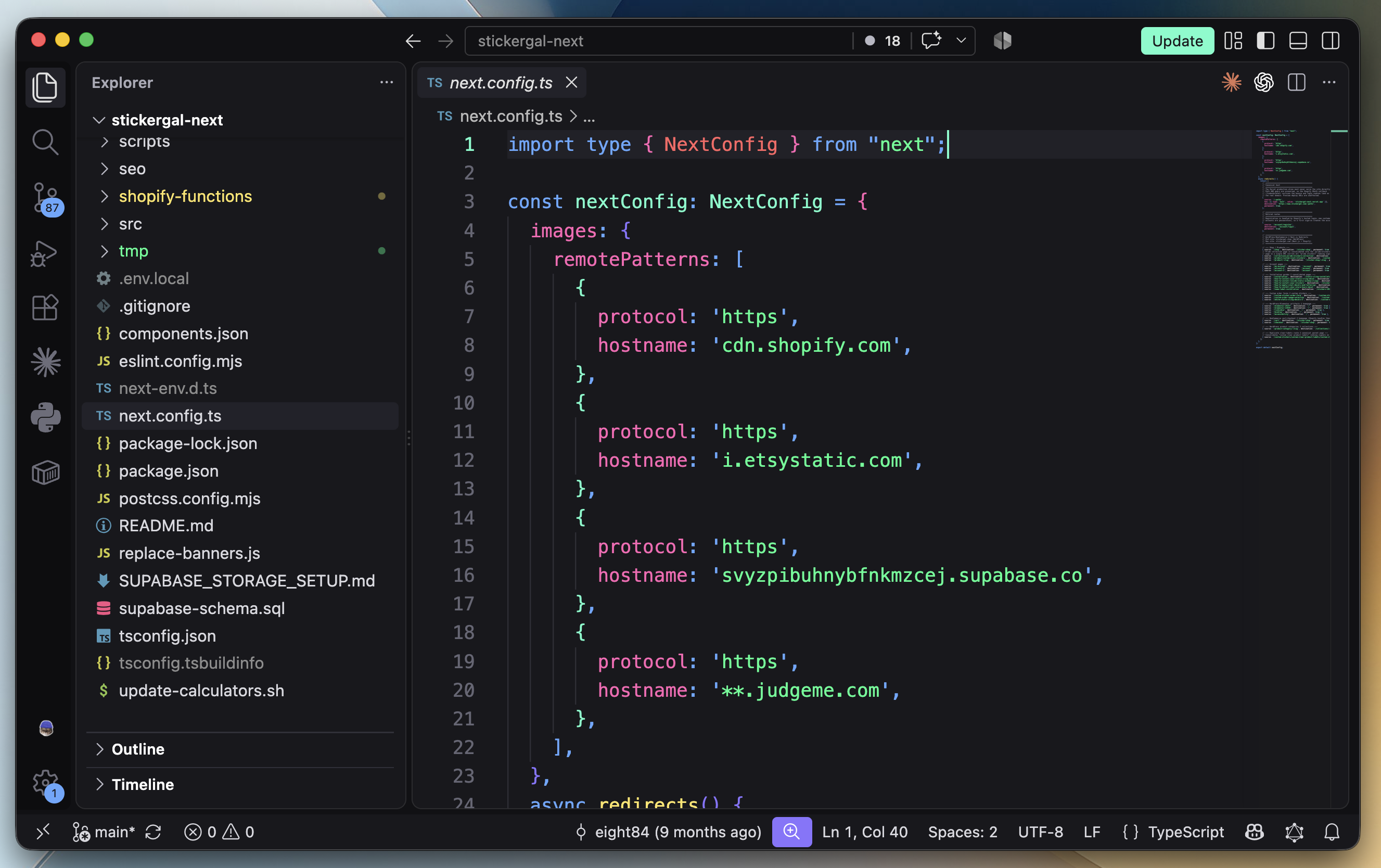
Nicely Neon captured in Visual Studio Code with TypeScript syntax, the file explorer, and minimap.
FREE DARK THEME / EDITORS
Visual Studio Code.
A free neon dark theme for VS Code with colorful syntax, charcoal panels, and a matching terminal. Install Nicely Neon from the Visual Studio Marketplace.
THE PALETTE IN PRACTICE
Your code, in color.
Explore the syntax colors shared by VS Code and Cursor.
palette.pyNicely Neon
from dataclasses import dataclass@dataclass(frozen=True)class Palette:name: strcolors: tuple[str, ...]nicely_neon = Palette(name="Nicely Neon",colors=("#FE62B5", "#62A8FE", "#1AFF90"),)
MAKE IT YOURS
Install in Visual Studio Code
Install Nicely Neon from the Visual Studio Marketplace.
Open Preferences: Color Theme from the Command Palette and choose Nicely Neon.
KEEP THE COLOR GOING