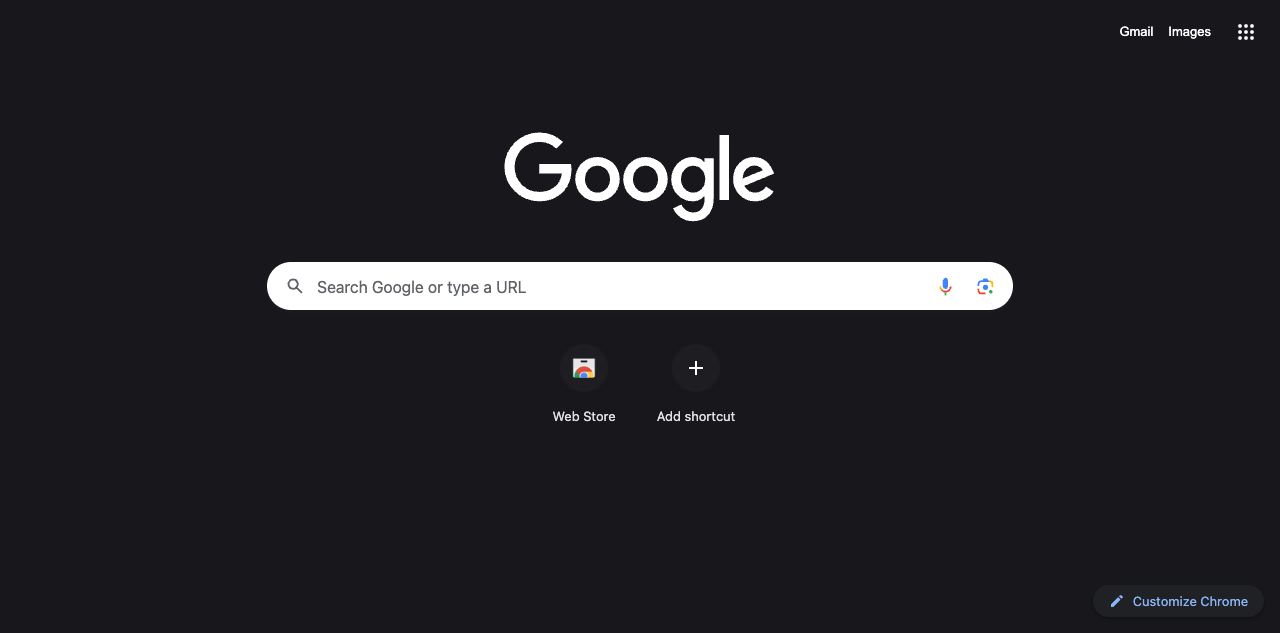
Chrome’s New Tab page, captured with Nicely Neon installed in a clean browser profile.
MAKE IT YOURS
Install in Google Chrome
01
Download and extract the ZIP into a folder you will keep.
02
Open chrome://extensions in Chrome and turn on Developer mode.
03
Click Load unpacked and select the extracted folder containing manifest.json.
04
This is a local install; a Chrome Web Store listing is not available yet. The theme colors browser controls and the New Tab page; websites keep their own appearance.