All themes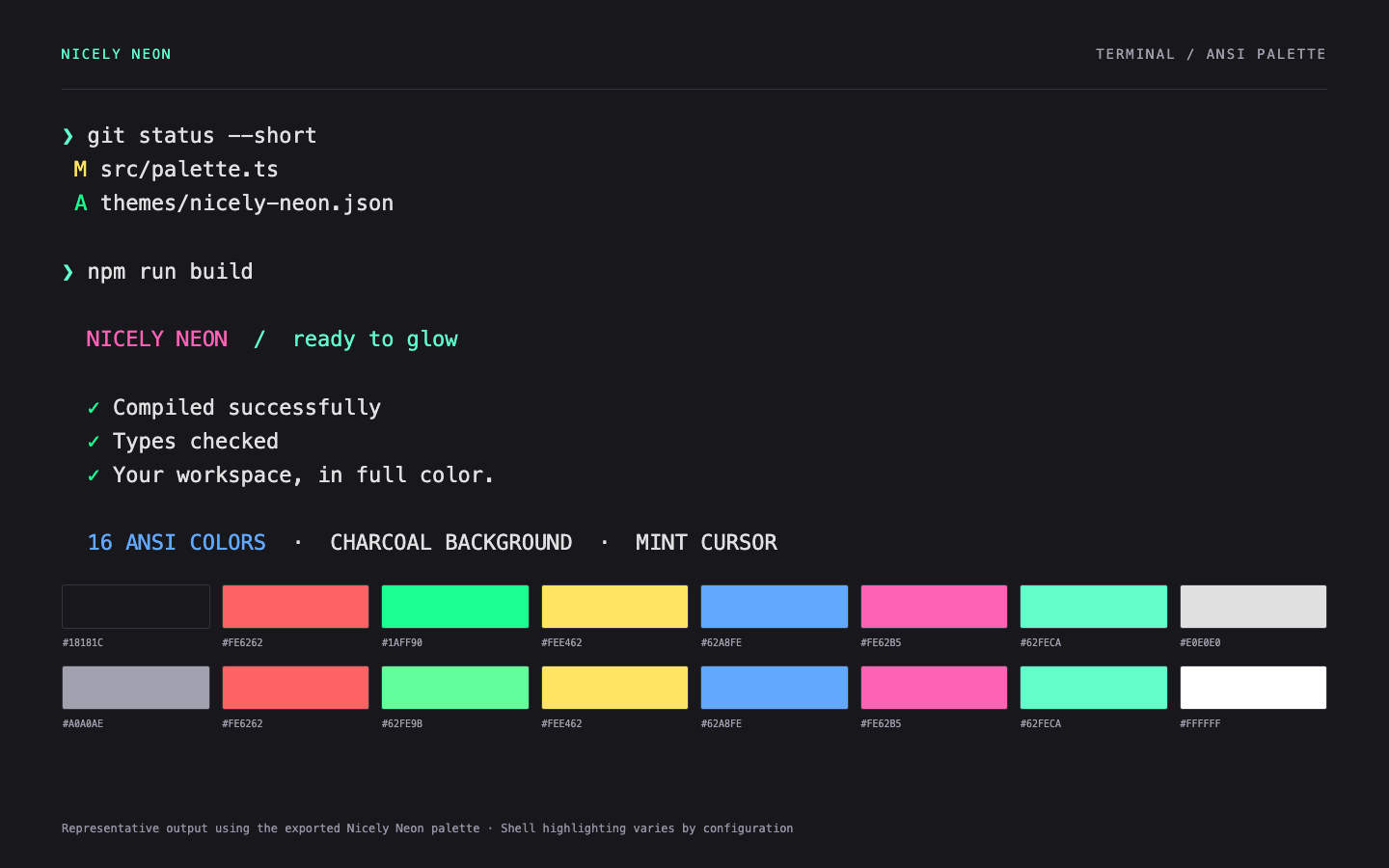
Representative terminal output rendered from the exported ANSI palette. Window controls and shell highlighting depend on your app and shell.
FREE DARK THEME / TERMINALS
iTerm2.
A free iTerm2 color scheme with a charcoal background, mint cursor, and 16 neon ANSI colors. Download Nicely Neon and import the .itermcolors preset.
MAKE IT YOURS
Install in iTerm2
Download the .itermcolors file.
In iTerm2, open Settings → Profiles → Colors → Color Presets → Import.
Choose the file, then select Nicely Neon from Color Presets.
The theme sets your terminal’s colors. Your shell and command-line tools decide how those colors are used.
KEEP THE COLOR GOING