All themes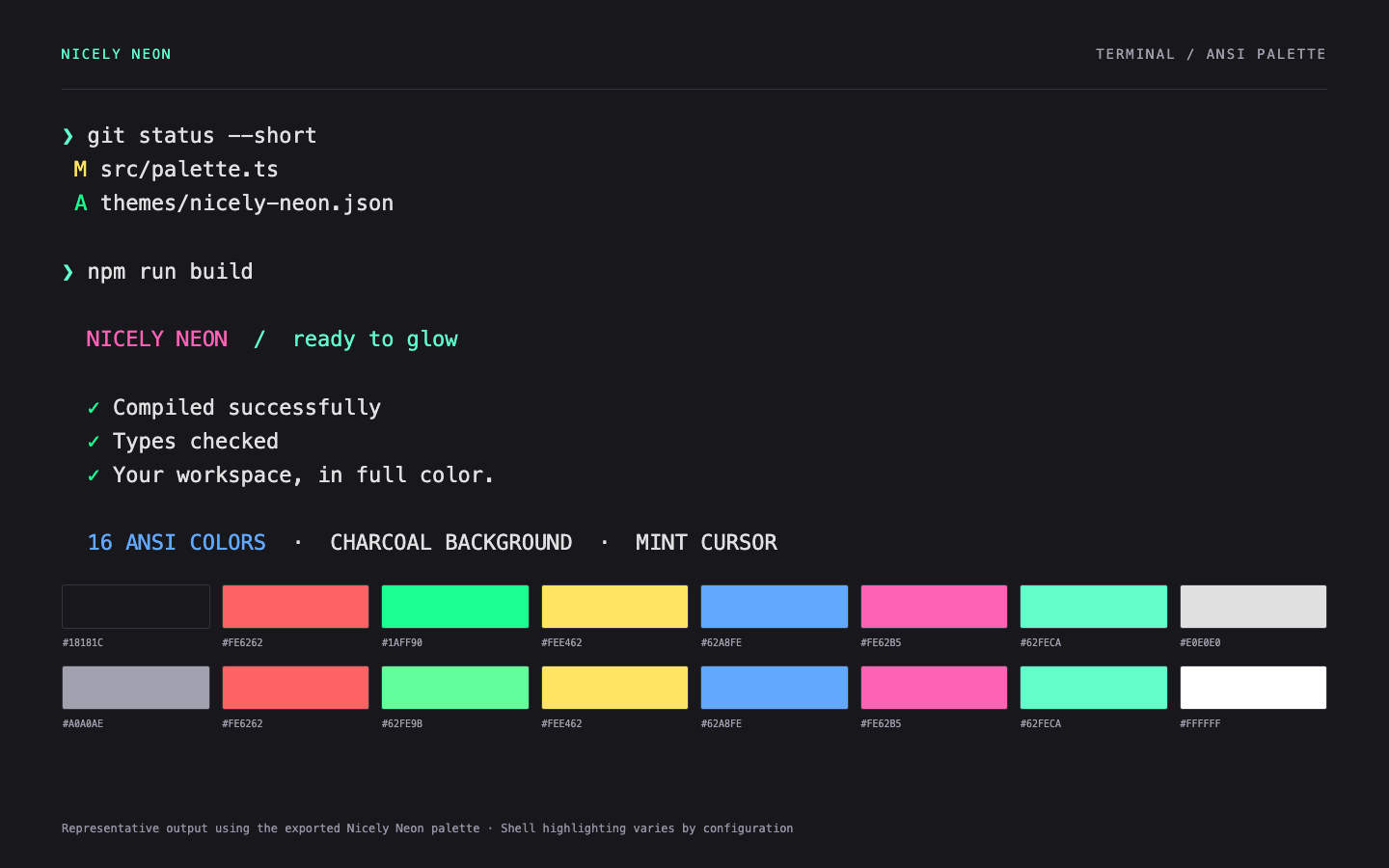
Representative terminal output rendered from the exported ANSI palette. Window controls and shell highlighting depend on your app and shell.
FREE DARK THEME / TERMINALS
Windows Terminal.
A free Windows Terminal color scheme for PowerShell, Command Prompt, and WSL profiles. Download the Nicely Neon JSON palette and add it to Settings.
MAKE IT YOURS
Install in Windows Terminal
Download and open the JSON file.
In Windows Terminal, open Settings → Open JSON file. Add the downloaded object as an entry in the existing "schemes" array; keep your other settings.
Save, then choose Nicely Neon under your profile’s Appearance → Color scheme and save again.
The theme sets your terminal’s colors. Your shell and command-line tools decide how those colors are used.
KEEP THE COLOR GOING