All themes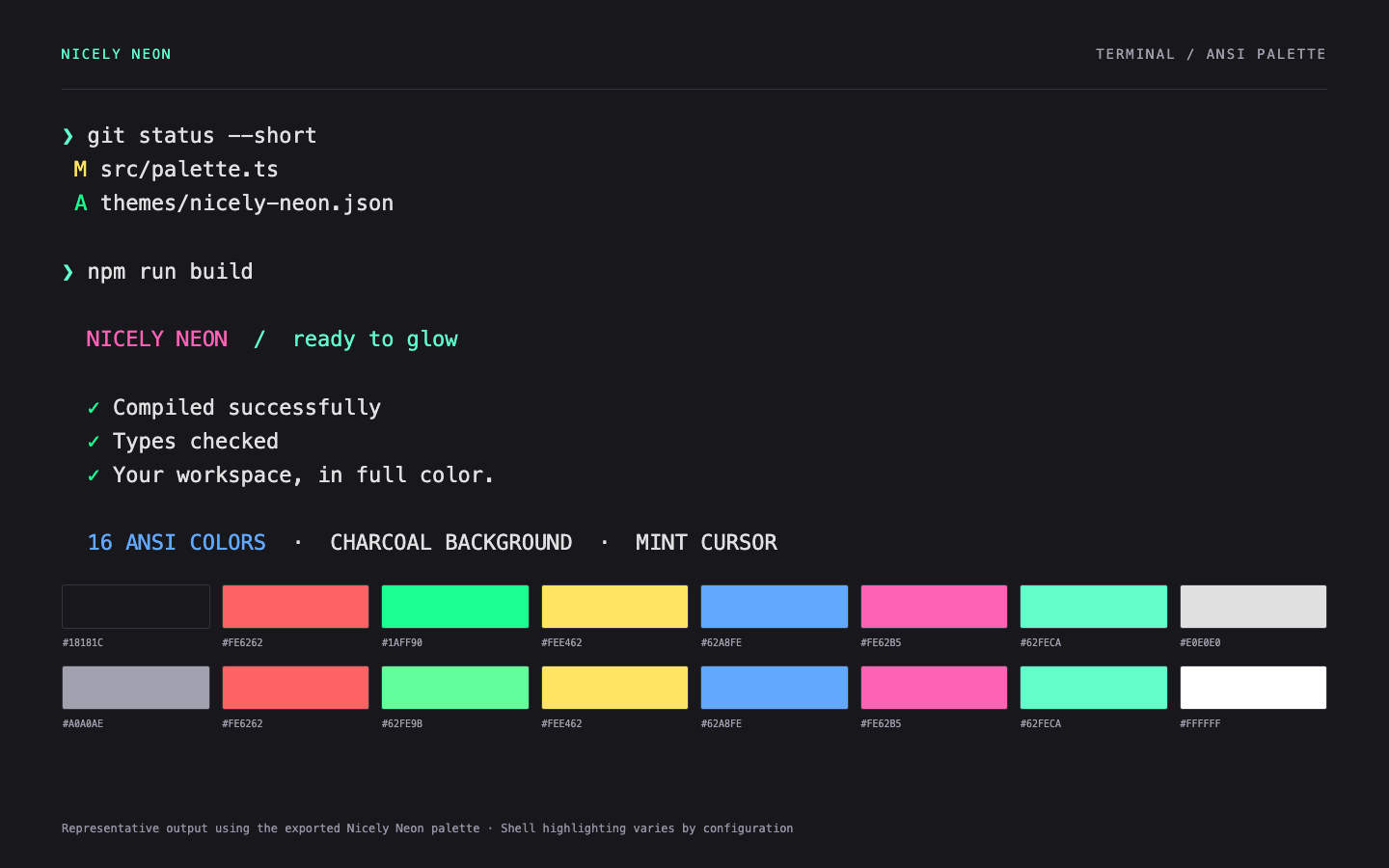
Representative terminal output rendered from the exported ANSI palette. Window controls and shell highlighting depend on your app and shell.
FREE DARK THEME / TERMINALS
macOS Terminal.
A free macOS Terminal theme with a charcoal background, mint cursor, and 16 neon ANSI colors. Download and import the Nicely Neon .terminal profile.
MAKE IT YOURS
Install in macOS Terminal
Download the .terminal file.
Open Terminal → Settings → Profiles and drag the file into the profiles list.
Select Nicely Neon and click Default for new default windows.
The theme sets your terminal’s colors. Your shell and command-line tools decide how those colors are used.
KEEP THE COLOR GOING